Start close to the device
Wi-Fi connects devices over a local wireless network using radio signals. Cisco describes it as a wireless local-area network, with equipment such as access points and routers helping devices communicate. The wider internet connection is another part of the arrangement. A phone can therefore recognize a nearby wireless network without that fact alone proving that every outside service is reachable.
Thinking in layers replaces a single vague idea of the connection with a sequence of questions. Is the device on the intended local network? Is the onward connection working? Is the particular service available?
A signal icon answers one question
A strong-looking icon can be reassuring, but it is not a complete report on every stage between your screen and a distant website. Instead of repeatedly refreshing the same page, identify the scope of the problem. Is one application affected, one device, or several devices on the same network?
Write down those observations before changing settings. A short problem description is often more useful to support staff than a long account of every button pressed. It also helps you avoid the frustration of making several changes and then being unable to explain which one mattered.
Keep a plain map of the setup
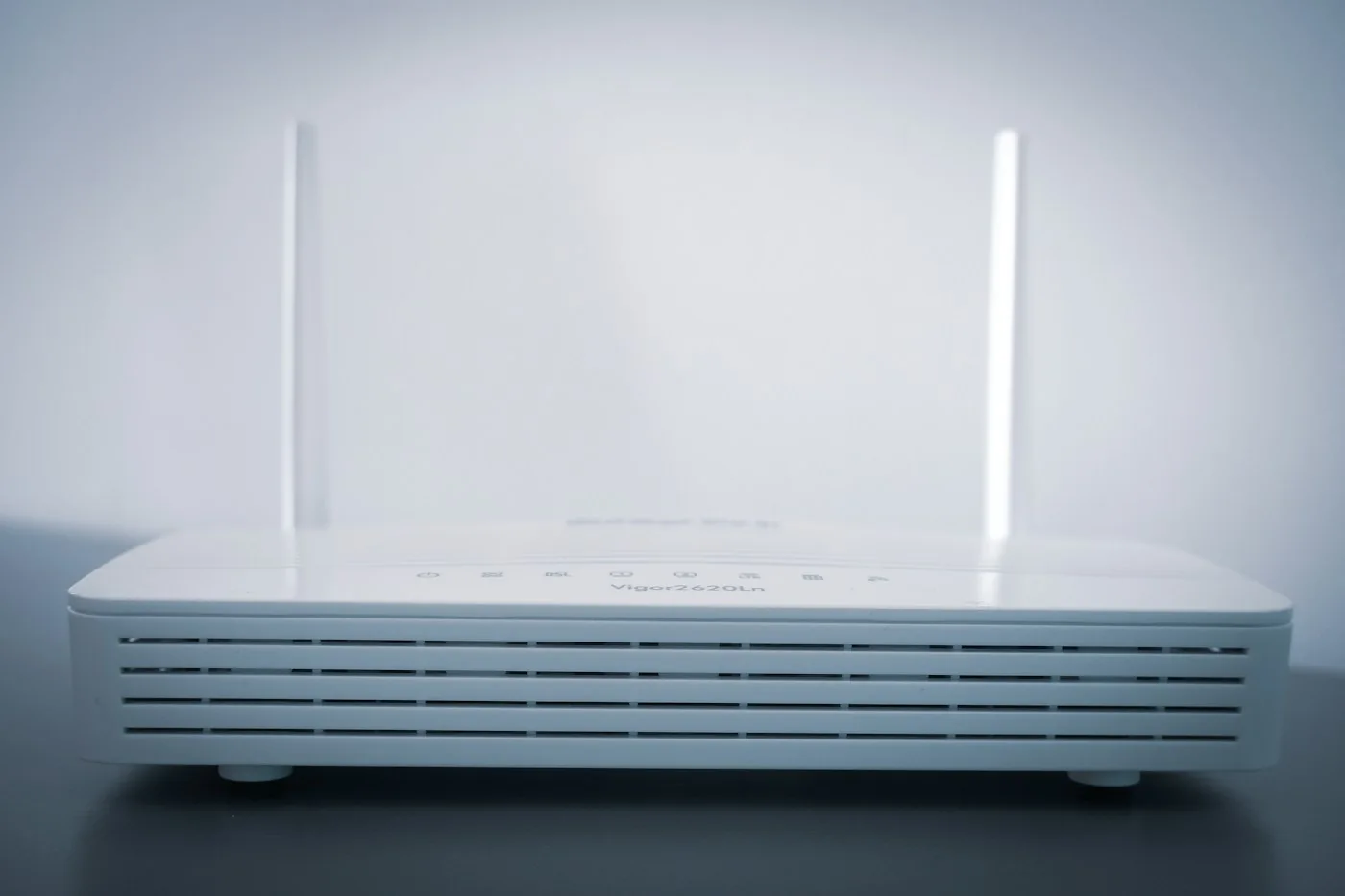
For a small home network, a simple written inventory can be enough: internet provider, modem if separate, router, any additional access points, and the network name you normally use. Do not put passwords on a publicly visible diagram. The purpose is to understand which box or service performs each role.
If the equipment combines roles in one device, note that rather than forcing it into a more complicated model. A useful map reflects the setup you actually have. It should make a routine support conversation clearer, not become a networking project of its own.
Change one thing with a reason
Use the provider's official troubleshooting instructions for your equipment and preserve any settings you may need to restore. Before an adjustment, write a sentence explaining what you expect it to answer. Afterward, repeat the same simple check. That small discipline makes the process less random.
The distinction between a local wireless link and the internet is also useful outside the home. A venue may have a sign-in page or a service restriction that belongs to that network. Do not assume your personal device has failed because one connection behaves differently. The goal is not to diagnose every fault unaided. It is to describe the problem accurately enough that the next step addresses the right layer instead of treating all connection difficulties as the same event.
Sources & further reading
Source links provide context for this original feature. Illustration is not documentary evidence of a specific event.