Two different questions behind one icon
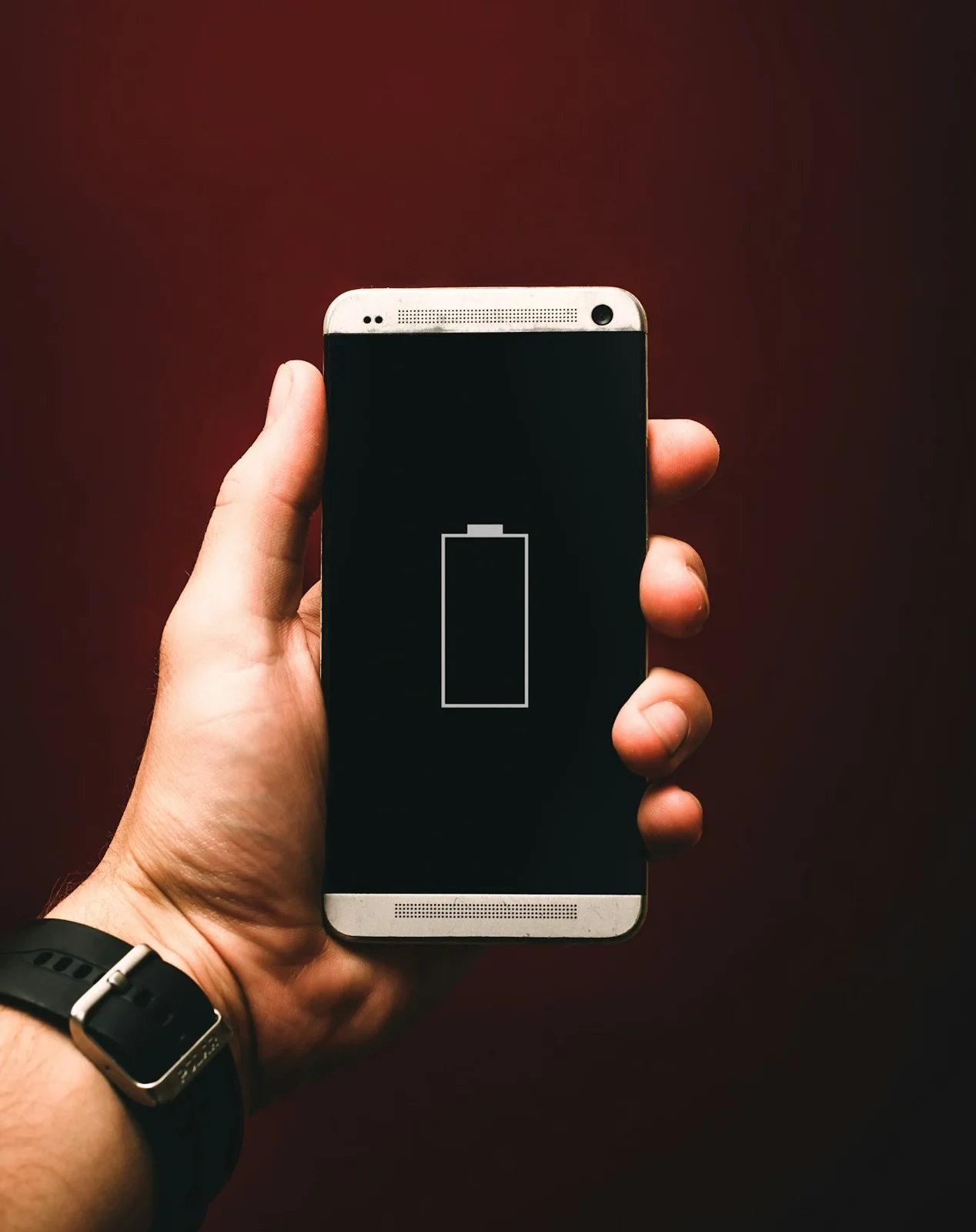
A phone's charge indicator answers a narrow question: how much charge is available right now? It does not tell the full story of how the battery has changed over its life. Apple's battery guidance distinguishes everyday charge from chemical aging. Temperature history and charging patterns contribute to that aging, and rechargeable batteries gradually become less effective components.
It is helpful to separate a short day on one charge from a long-term decline. Those experiences can look similar to a user, but the first observation alone does not establish the cause of the second.
Look at a pattern, not one afternoon
Before drawing a conclusion from a disappointing day, note what you actually did. Was it a day of navigation, video recording, calls, or mostly idle time? Were you traveling or staying in one place? A simple record helps you ask a more precise question when reading the device's battery information.
Avoid turning the notes into a contest over the lowest possible percentage. The point is to compare reasonably similar days. You are trying to understand the tool you use, not prove that every afternoon should finish with the same number on the screen.
Follow the device’s own controls
Apple explains that optimized charging reduces how long an iPhone spends fully charged and that heat can affect battery lifespan. The exact controls available depend on the device and its software. Check the current official instructions for your own model instead of applying a screenshot from another phone as a universal rule.
A sensible starting point is to see which charging features are already enabled and whether the battery settings report a service-related message. Record what you find before changing anything. That makes later comparisons more meaningful and keeps a simple check from becoming a sequence of unexplained adjustments.
Treat longevity as ordinary maintenance
A phone battery is a component with a working life, not a measure of whether you have used the device perfectly. It is possible to care for a phone and still eventually need service. When the device no longer meets your daily needs, compare the official service options with the practical inconvenience you are experiencing.
The most useful question is often specific: can this phone reliably handle the day I need it for? That is more informative than chasing someone else's screenshot of excellent battery life. Keeping the distinction between charge, usage, and condition makes the discussion less confusing. It also helps you avoid a familiar trap: changing several habits at once, then having no clear way to tell which change made a difference.
Sources & further reading
Source links provide context for this original feature. Illustration is not documentary evidence of a specific event.